



Choose how to measure success
One goal screen, several goal screens or a checkpoint path: which one to choose? · 4 min readTo calculate a completion rate, DASHUND needs to know what a successful session is. When you publish, it picks the end-of-path screens; you check them in the prototype’s Settings, and you can change them at any time: the whole history is recalculated.
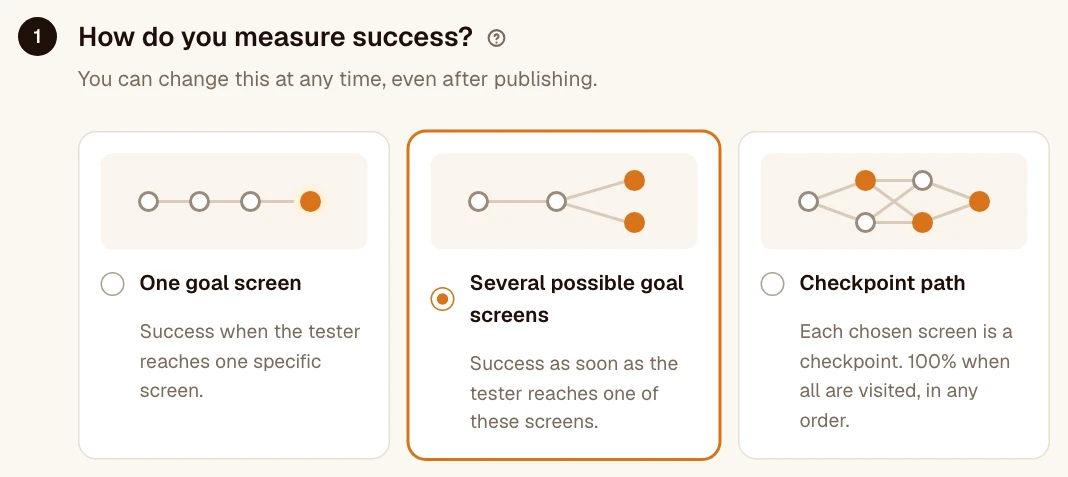
One goal screen
A single, precise goal: the order confirmation, the “Account created” screen. A session succeeds (100%) if it goes through this screen, otherwise it counts as 0%.
Several possible goal screens
Several endings are possible and they all count: “Order paid” or “Appointment booked”. A session succeeds as soon as it reaches one of these screens. This is the default choice.
Checkpoint path
Every checkpoint counts, in any order: for example the four screens of an onboarding. A session that sees them all counts as 100%; otherwise, it counts as the share of checkpoints seen: 2 out of 4 = 50%. The completion rate is the average of these shares.
Choose the screens
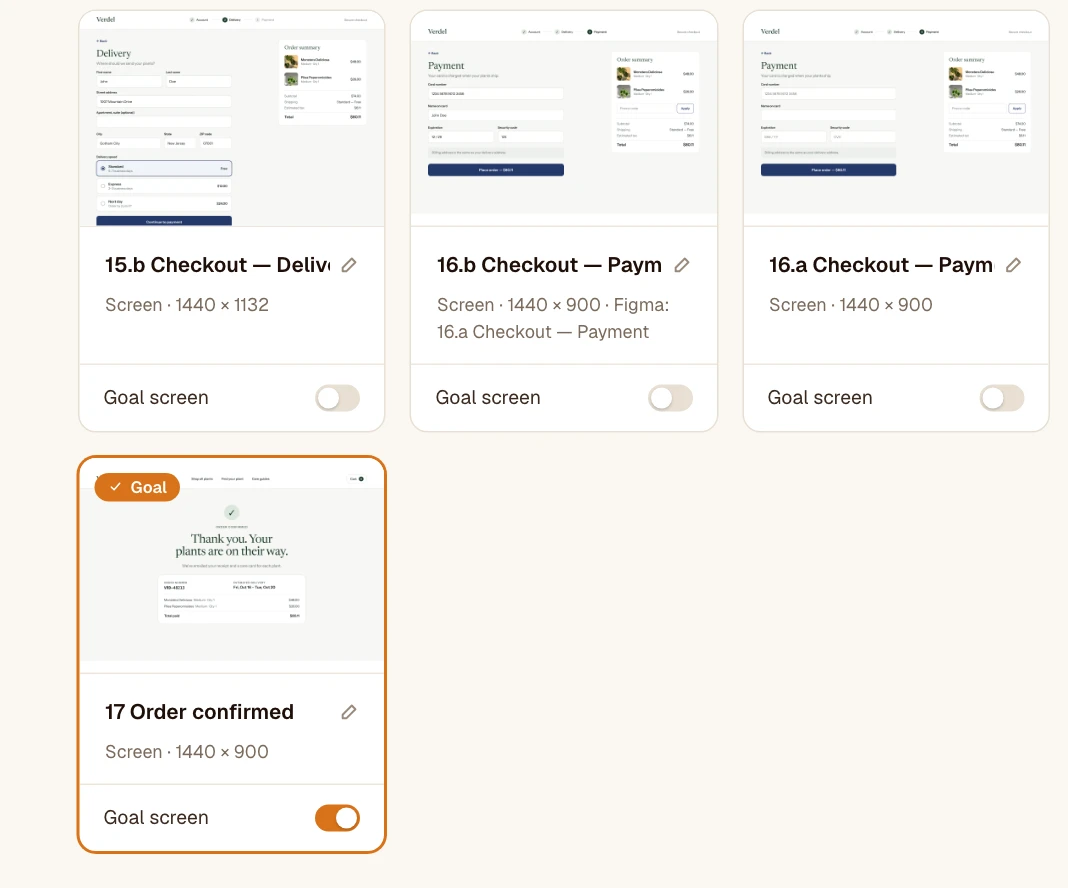
DASHUND picks in advance the screens with no outgoing interaction, meaning the likely ends of a path. Check this suggestion: an end screen may have a “Back” button, and a single-page prototype has no end.
To follow a specific path in a given order, use a target path instead.