



The activity history
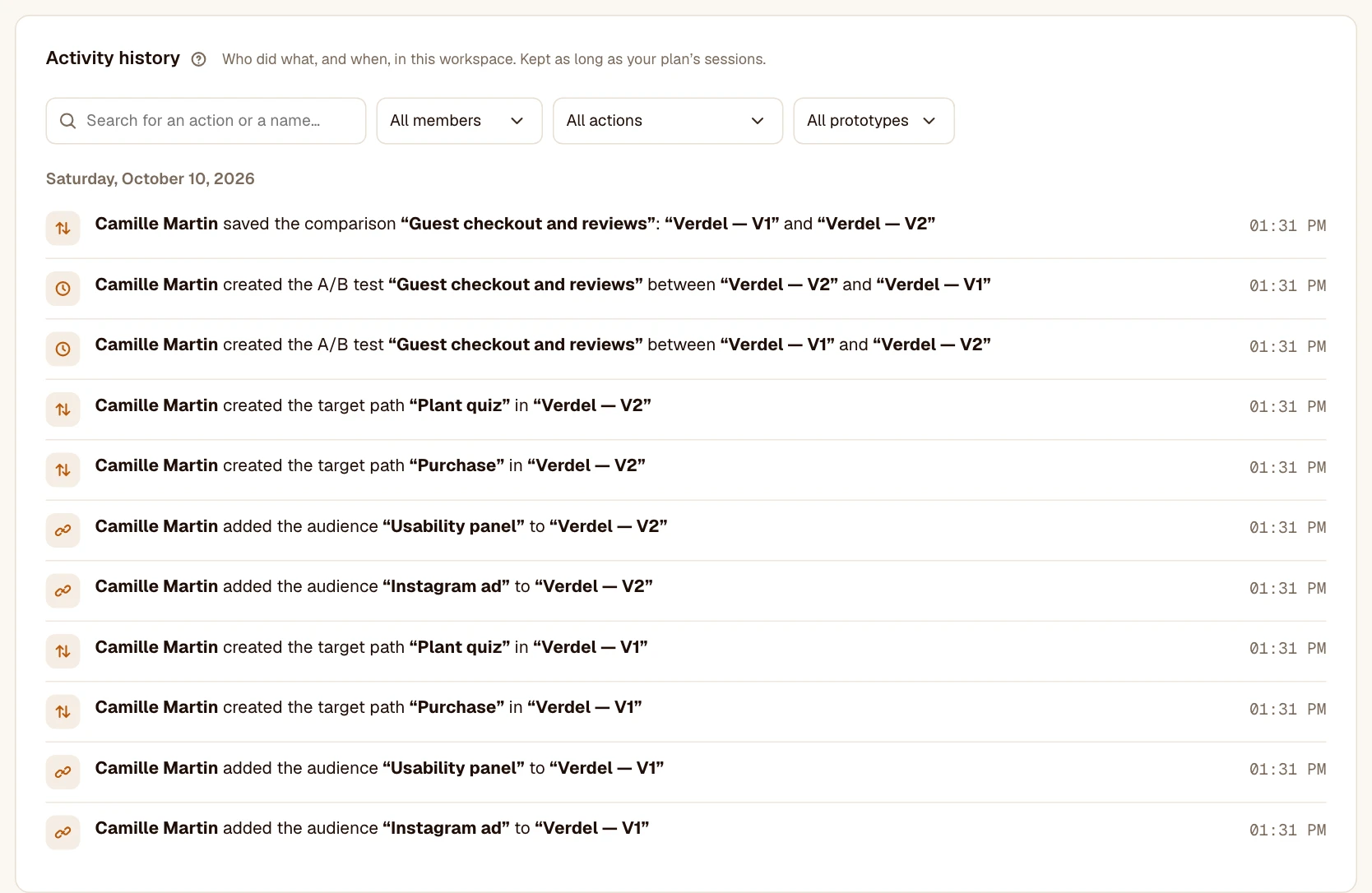
Who published, renamed or archived what, and when. · 2 min readWorkspace settings, History tab: everything members did, from newest to oldest. Every member can view it; nobody can change it.
What it contains
- Prototypes: sending, name and description, going live, pausing, resuming, archiving, deleting.
- Goals and screen names, with the value before and after.
- Audiences, target paths and comparisons.
- Members: invitations, arrivals, role changes, departures, results shared.
- The workspace’s name, plan and owner.
Find an action
Filter by member, by action type or by prototype. From a prototype’s Settings, “See this prototype’s history” opens the page already filtered.
Was this article helpful?